

 |
||||||
| Home | About Us | Resources | Products | Services | Contact US | |
|
|
||||||
| Nanotube Ink | |
|
The NanoLab "Nink" products are carbon nanotube inks for direct printing of nanotube electronics and sensors. This ink contains carboxyl (COOH) functionalized carbon nanotubes in an aqueous suspension with the minimum concentration of additives to impart long term stability and printability to the ink. NanoLab produces two types of ink, Nink-1000 (multiwall carbon nanotube ink) and Nink-1100 (single wall carbon nanotube ink). Nink technical data sheets: Nink-1000 Nink-1100 For the electrical properties of Ninks, click here Important tips on printing with Nink, click here We sell the Nink refill kits only, so you can fill a print head with our Nink. Refill kits: include 100ml Nink, Nink-1000 multiwall carbon nanotube ink refill kit $300 Nink-1100 single wall carbon nanotube ink refill kit $350 Electrical Properties 1x1.5 inch squares of Nink were printed using an HP Deskjet 960C onto overhead transparency film and also onto standard copier paper (20 lb). The following sheet resistance data is an average of 5 pages, measured after each printing and a 2 minute drying step at 80C. Test setup We loosely followed ASTM D-254 in the measurement of the sheet resistance. We prepared a 1" square test fixture, consisting of two brass contacts, separated by a 1" square insulator, as shown below. The fixture was firmly held against the printed sheet, and resistance was measured using a Keithley Sourcemeter 2400. 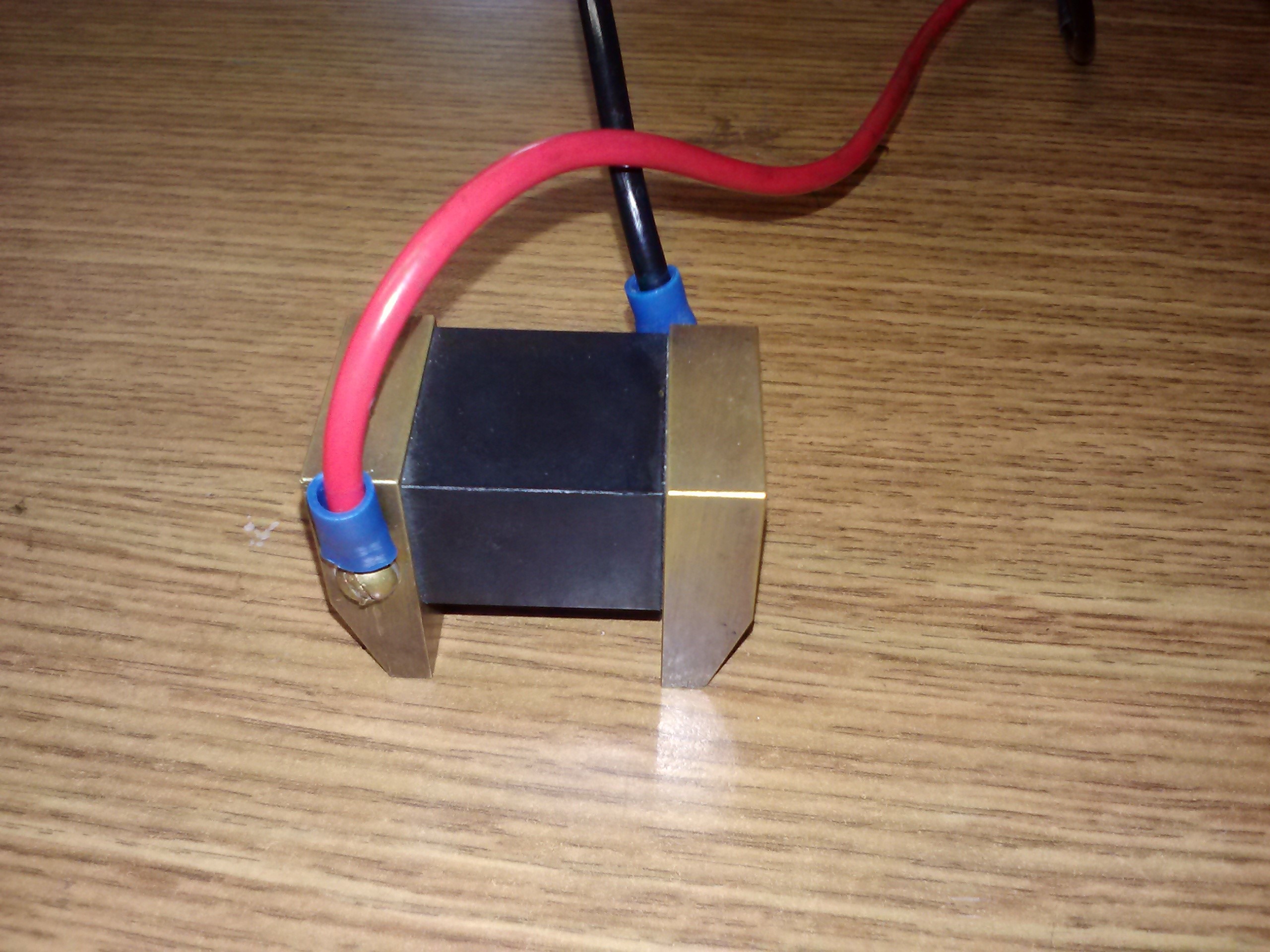
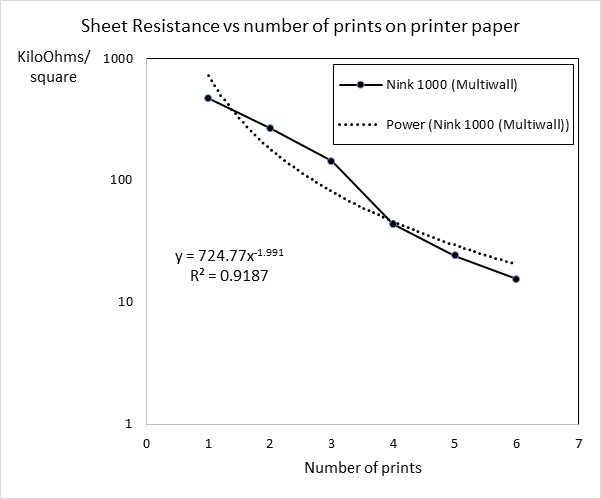
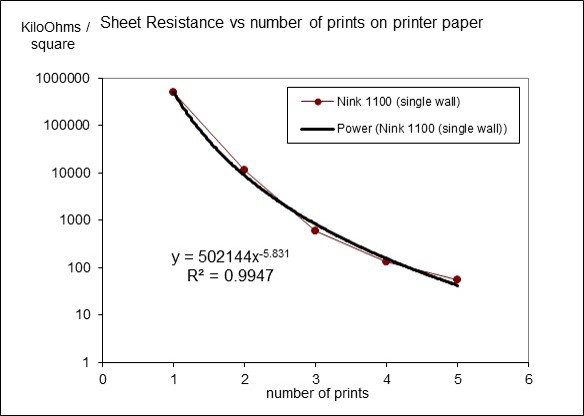
Test Results The resistance of the carbon nanotube deposit printed on both the paper is plotted against the number of printing times. On paper, the first printing results in a deposit that is below the percolation threshold. Electrical resistance drops with the number of additional prints, as the layer of nanotubes increases in thickness. Depending on the printer uniformity, fine features may become blurred by multiple prints. Compatibility The Nink was initially offered in cartridge form using the HP 45 print cartridge, which was discontinued by HP in 2013. Other inkjet print cartridges may also be used with Nink. Select a cartridge with a large droplet size...such as 10 picoliters, equivalent to ~21 microns in diameter. Nanotubes need to be much shorter than the droplet to avoid clogging the nozzle. Both piezoelectric and thermal print heads have been used successfully. Youtube is a good resource for ink refilling instructional videos. Storage, print count and shelf life Storage in a zip-closure plastic bag at room temperature is recommended. The Nink should have a shelf life greater than one year if the storage conditions are met. 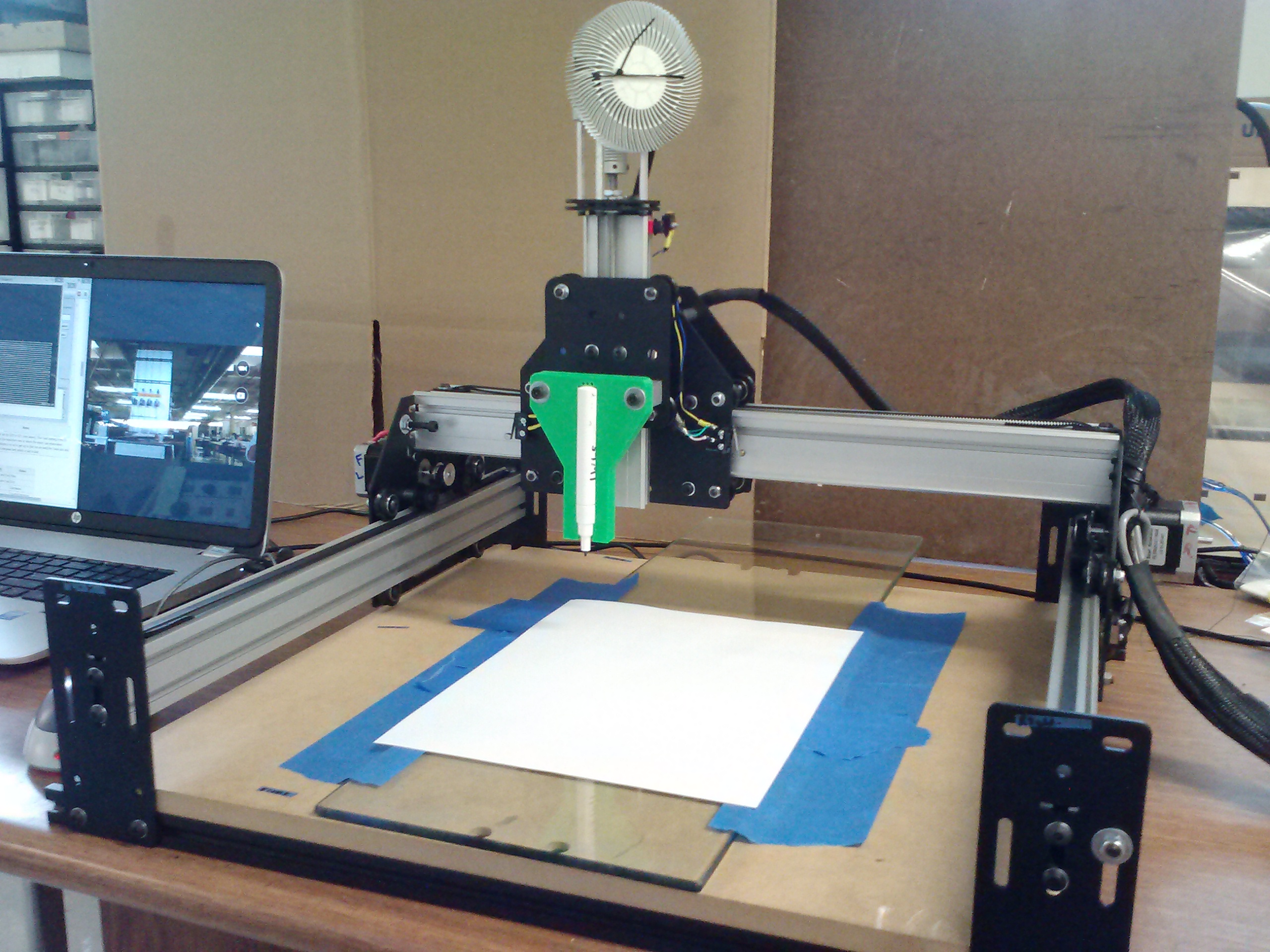
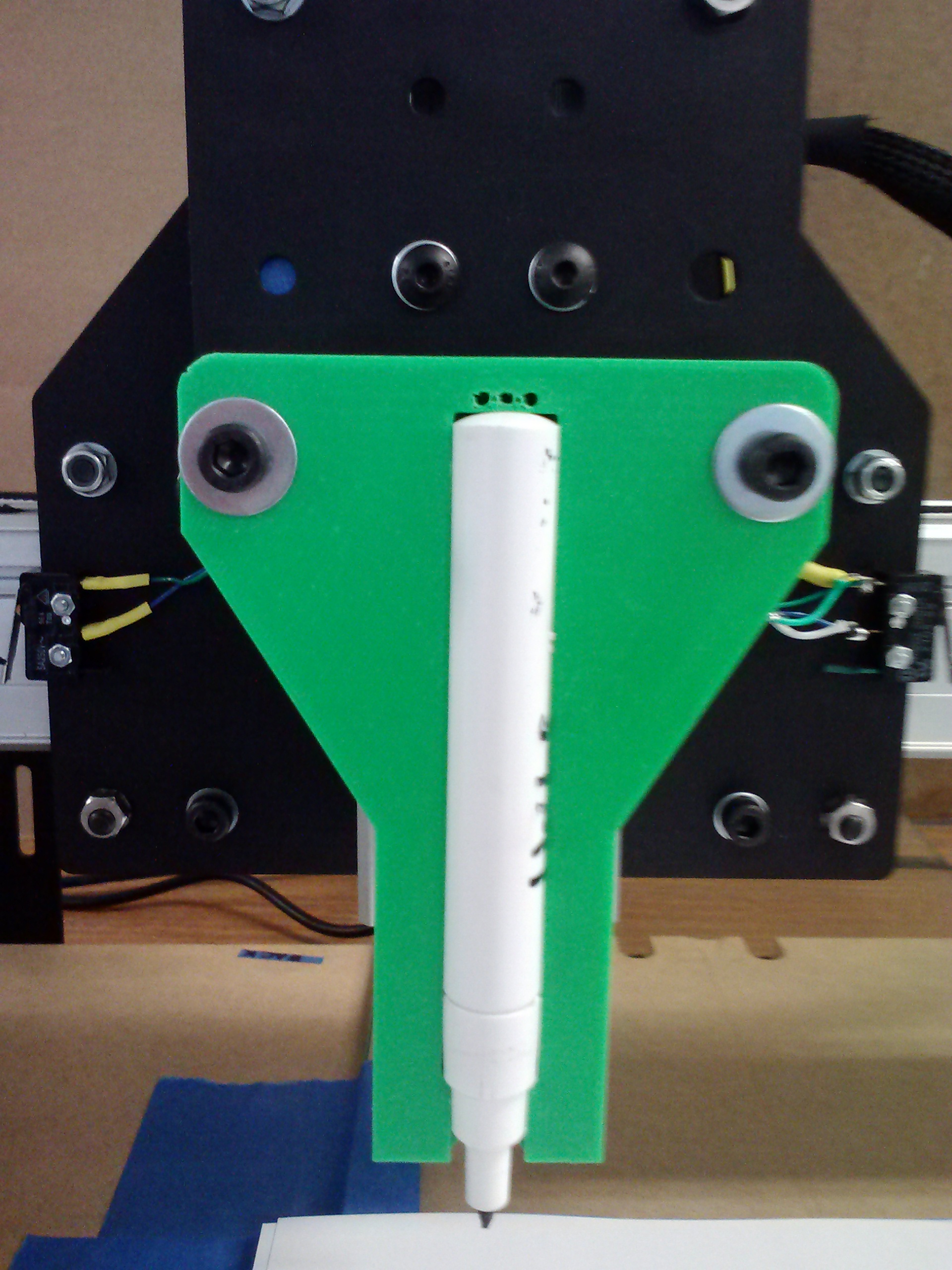
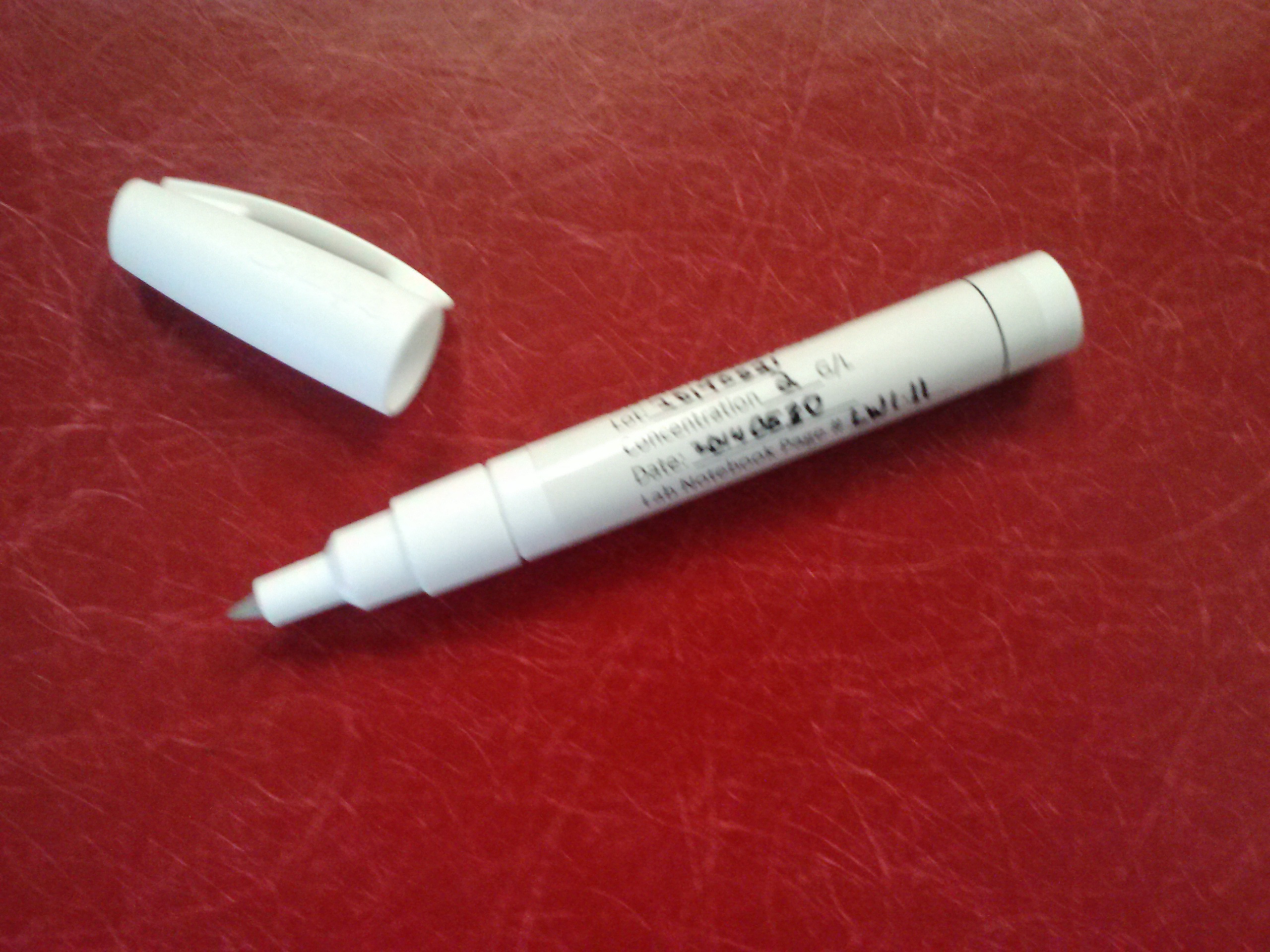
Writing code for the Shapeoko is easy. There are a number of translators for G Code (GRBL). If you'd like some sample code, give us a call. --> | |
| The page was updated on 5/24/2017 |
 |